Dev Studio
Engineer the capabilities behind every AI experience
Build production-ready tools, integrations, and business logic with an AI-native development environment designed for modern AI teams.









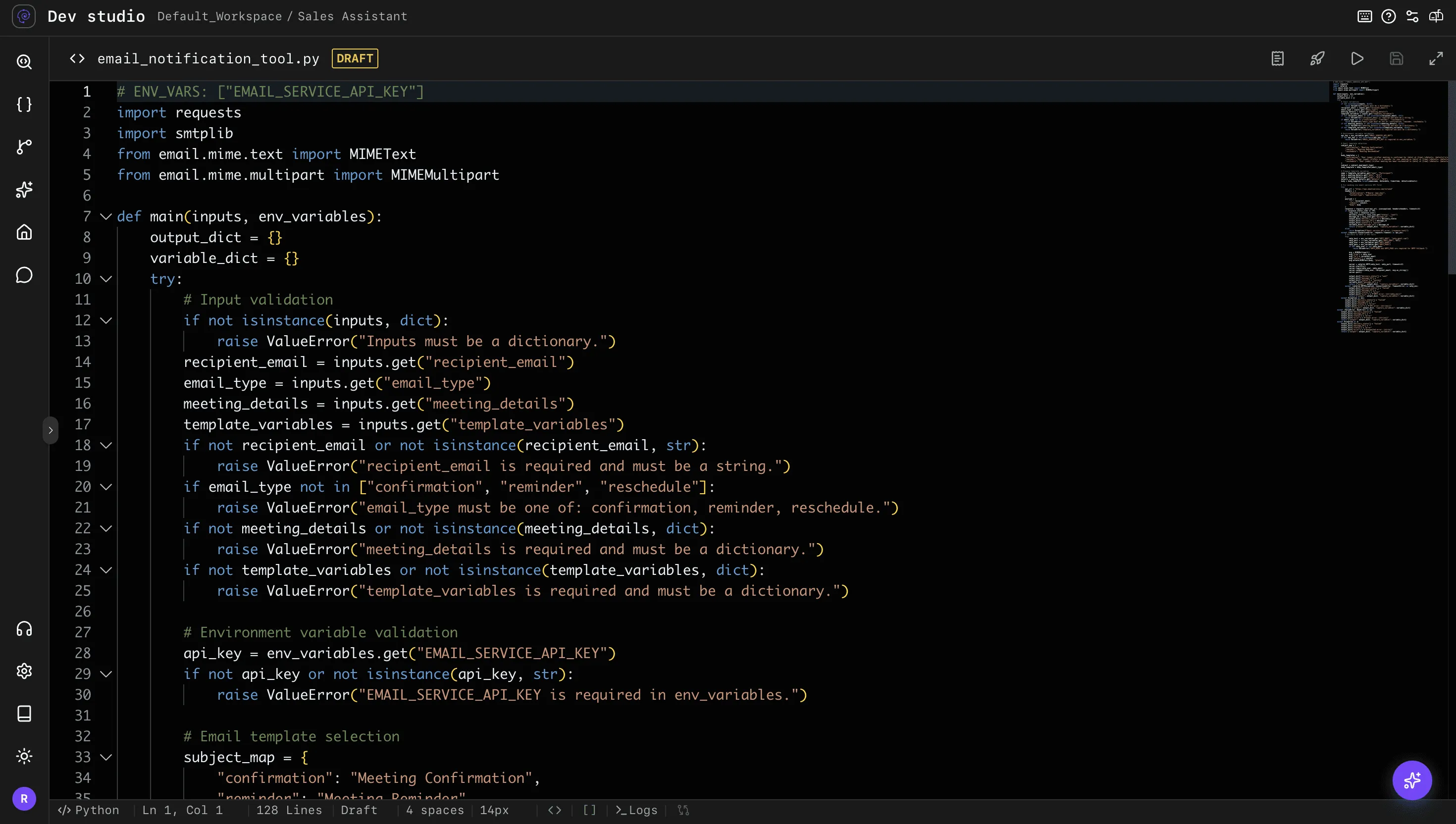
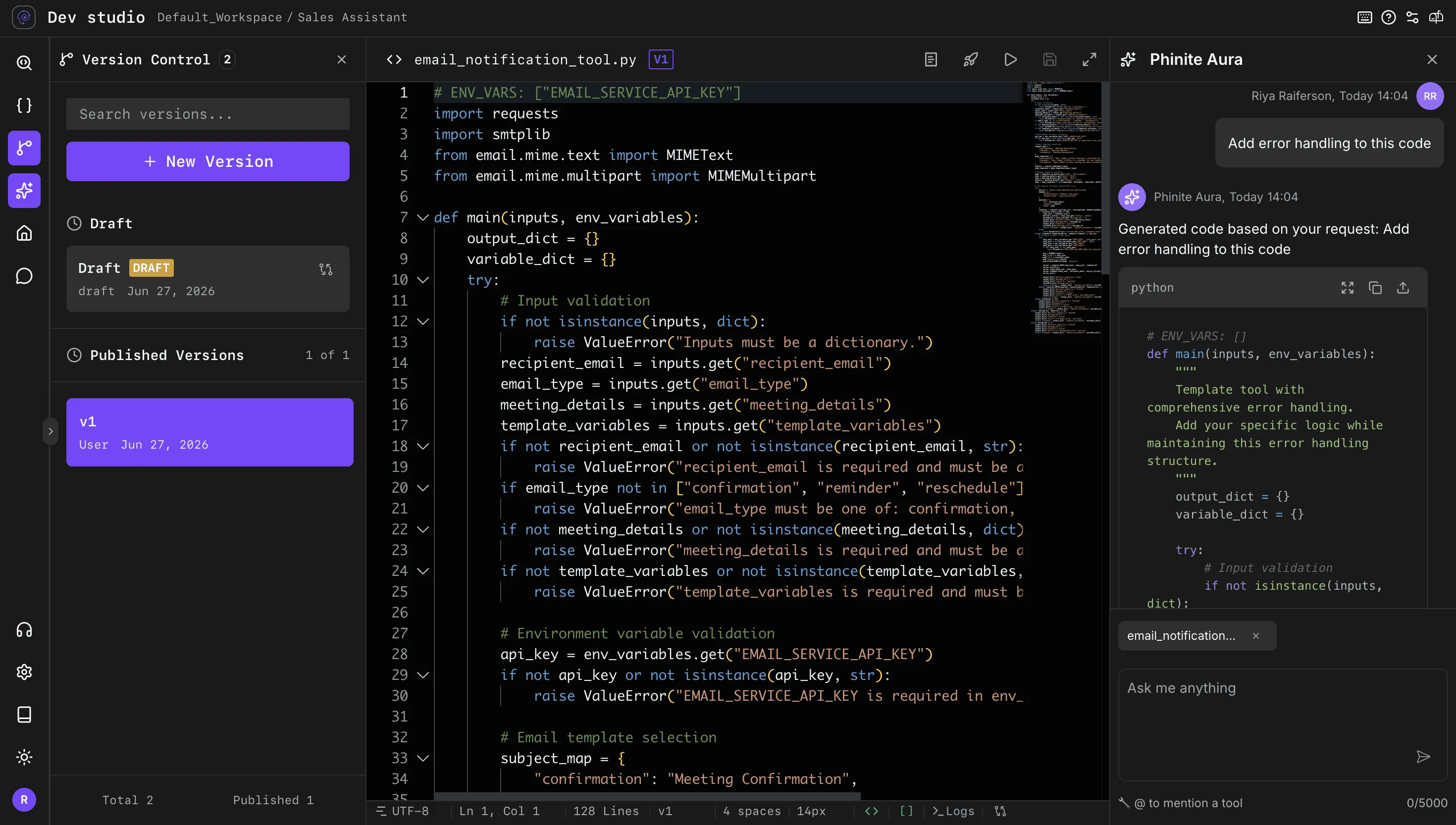
AI-Native Development
From idea to production-ready intelligence
Core Building Blocks
Everything intelligent systems are built on
Dev Studio provides the foundational components required to create intelligent, connected, and production-ready AI systems.
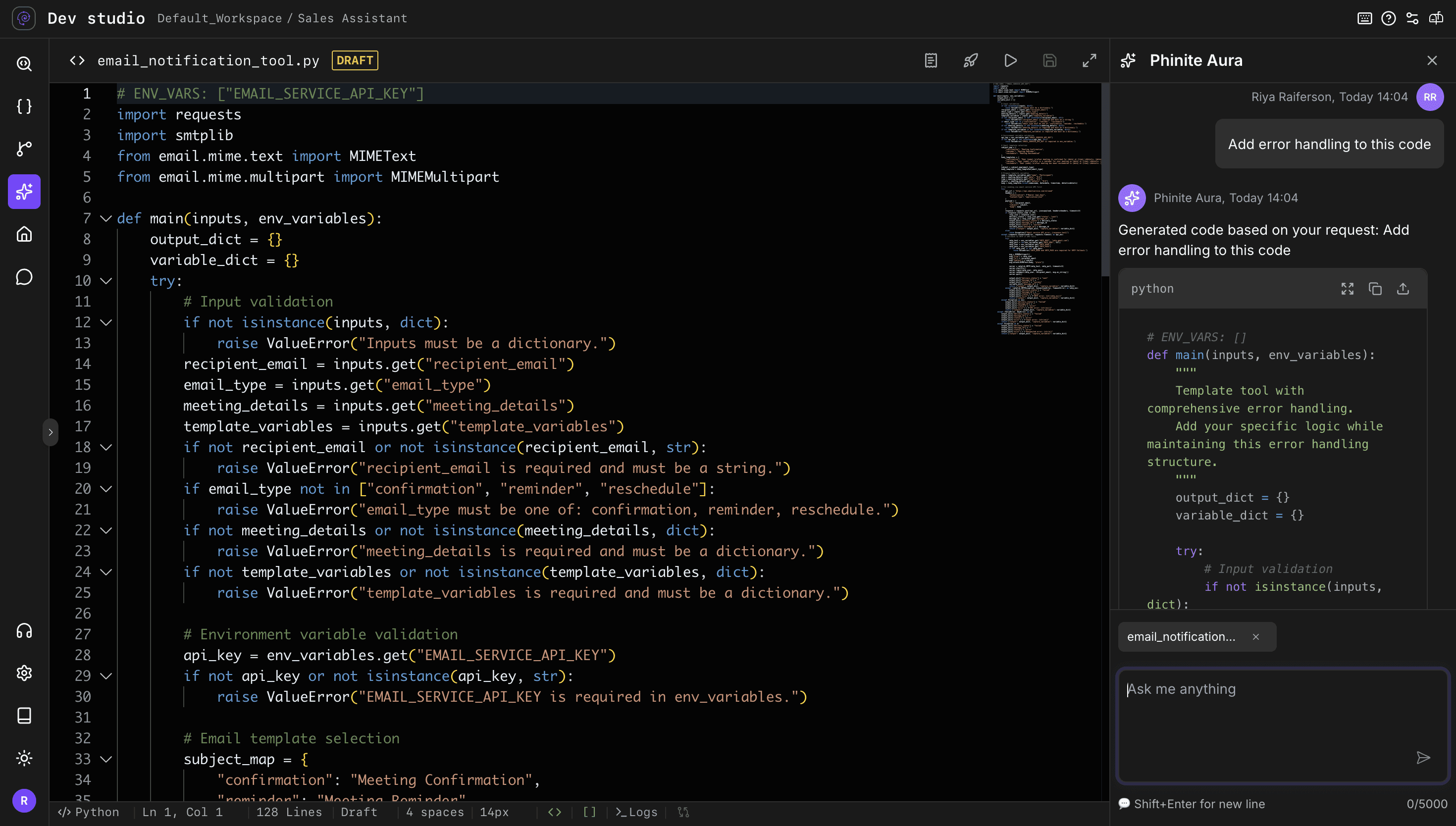
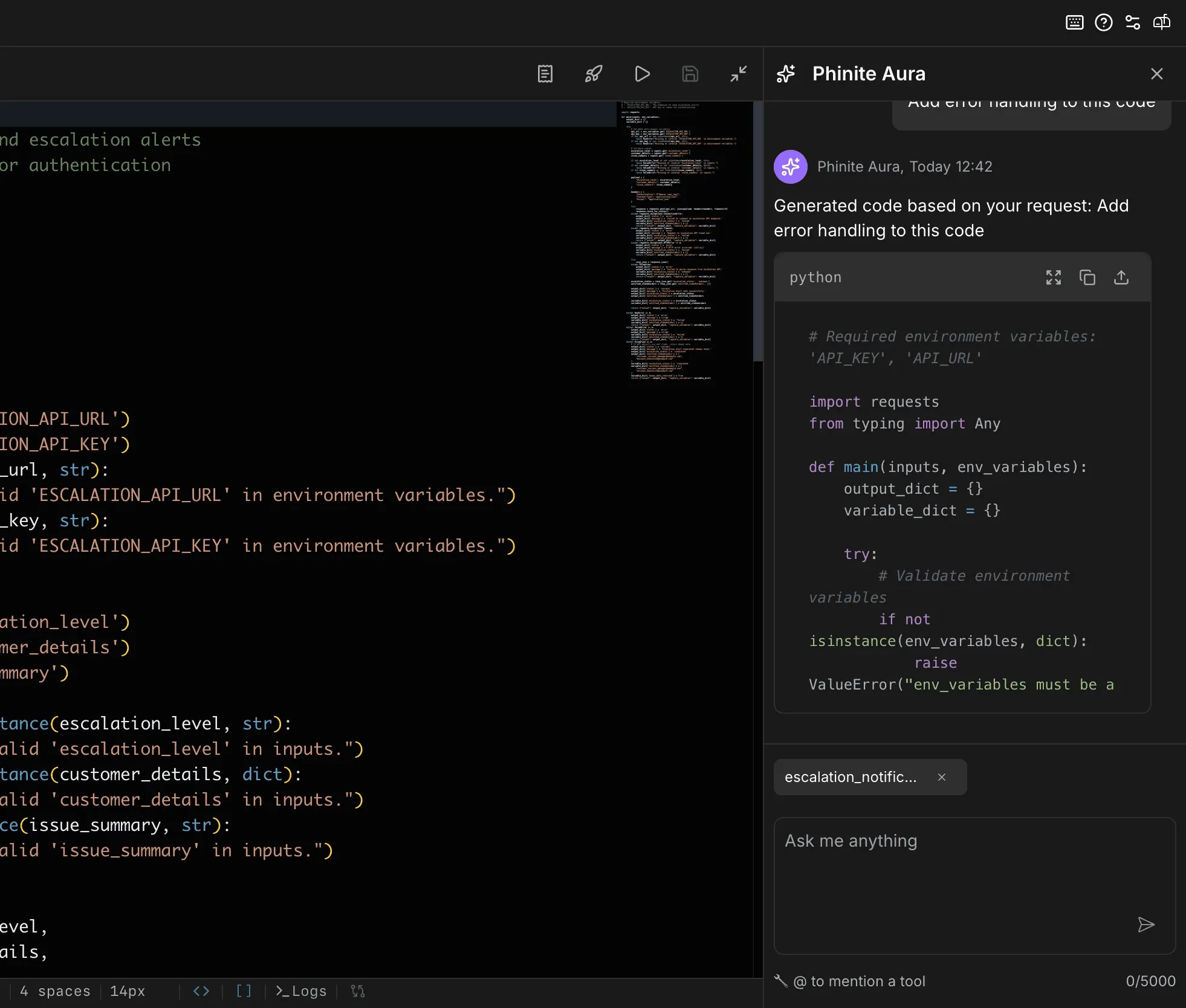
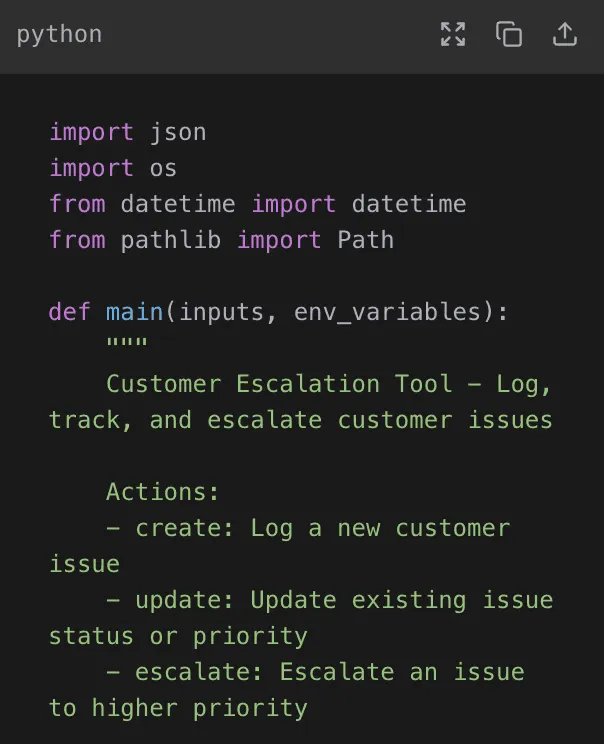
AI-Assisted Tool Authoring
Describe a tool in plain language and let Copilot generate it inline, or hand-code it with full control.
Context-Aware Messaging
Instant Lead Follow-Ups
Smart Task Scheduling
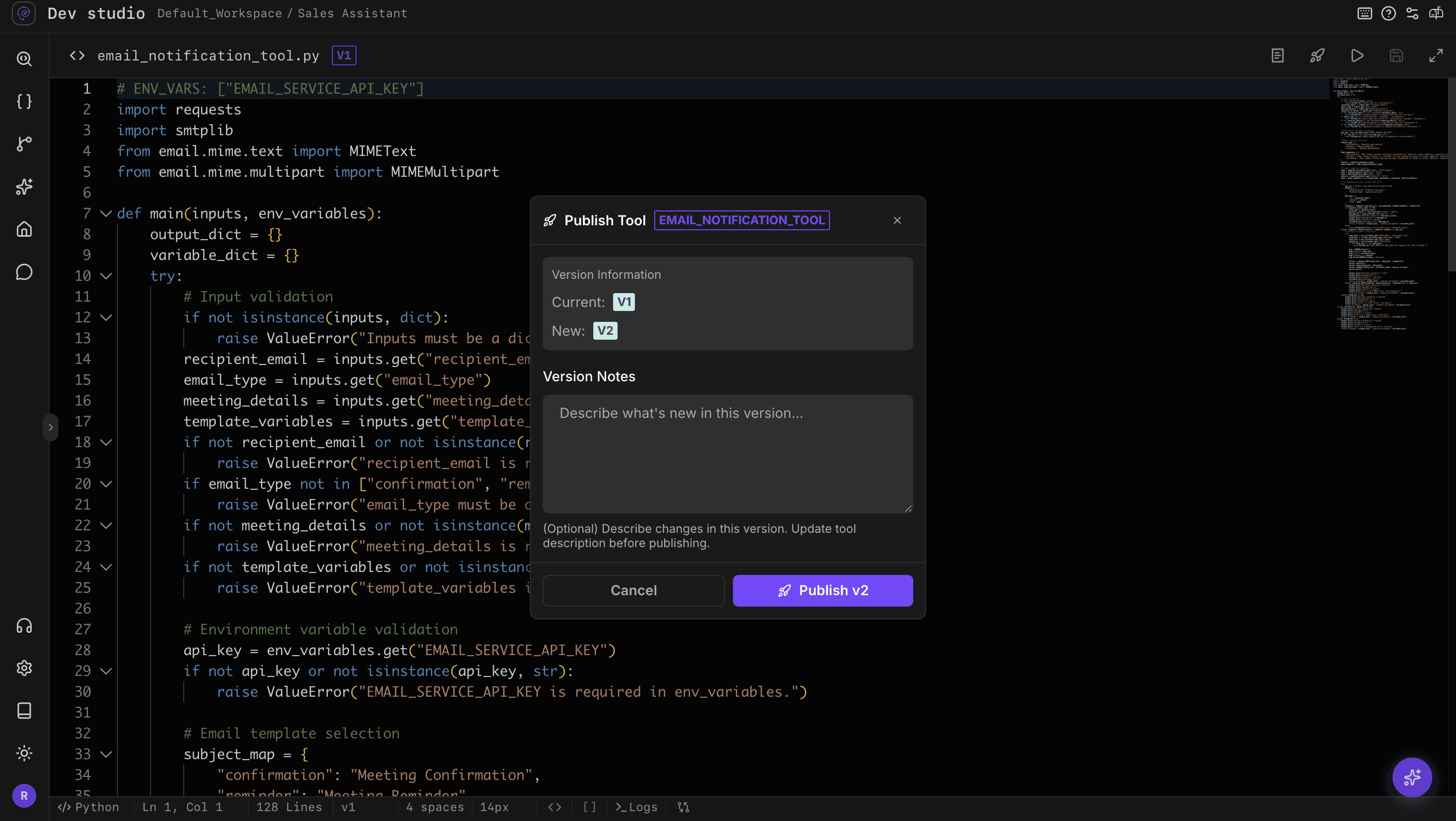
Type-Safe Versioning & Rollback
Tools are versioned like code — work in drafts, publish when ready, and roll back the moment something breaks.
Prompt-generated tools
No-Code Automation Builder
Reusable Workflow Templates
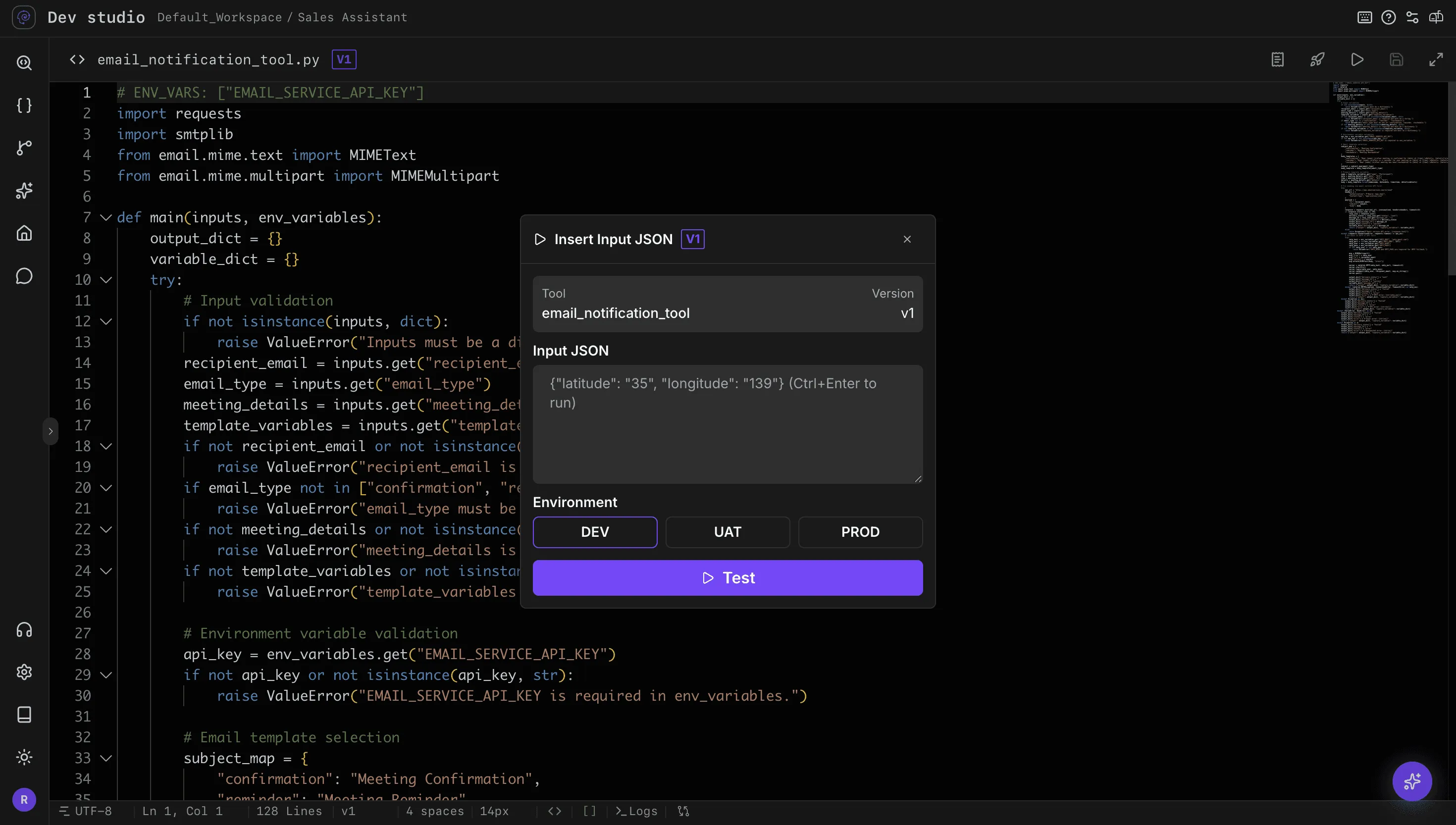
Isolated Multi-Environment Testing
Run tools with sample inputs across isolated Dev, UAT, and Prod stages, each in its own Kubernetes pod.
Isolated environments
Pre-production validation
Separate Kubernetes pods
Why Dev Studio
The foundation behind every successful AI system
Production AI requires more than prompts. Dev Studio provides the capability layer that connects business logic, context, integrations, and governance into a single development environment.
Build Tools Your Way
Scaffold a tool from a prompt with Copilot, assemble a custom tool, or drop into Python for complete control over the logic.
Start From Prebuilt Tools
Skip the boilerplate with predefined integrations — Gmail, Slack, Teams, Jira, MongoDB, Sheets, custom API — plus system tools every agent can call.



Safe to Ship
Trial runs across Dev, UAT, and Prod catch failures early; drafts, publishing, and rollback keep production steady.
Build Once, Use Everywhere
A published tool is versioned and shared across every agent and flow in the workspace — fix it in one place, everyone gets the update.
Typed Parameters & Returns
Define parameter schemas with required fields and runtime type checks, returning structured objects and a consistent error shape for downstream capture
Engineering Lifecycle
Built to evolve, not just launch
Create
Design intelligent AI agents visually with reusable workflows, tools, and integrations.
Test
Validate conversations, evaluate performance, and refine agent behavior before release.
Deploy
Publish agents securely across channels with monitoring, versioning, and enterprise controls.
Integration Hub
Connect Every Tool





Production Infrastructure
Designed for enterprise-scale execution
Operate AI systems with the governance, reliability, and deployment controls required for mission-critical environments.
Real-World Applications
Powering the systems businesses depend on
Capabilities that power real-world operations
FAQ
Everything you need to know about Dev Studio
Learn how teams use Dev Studio to build, manage, and scale intelligent systems across their organizations.
What is Dev Studio?
How is Dev Studio different from traditional development tools?
Can Dev Studio generate capabilities automatically?
How does Dev Studio support enterprise deployments?
What can teams build with Dev Studio?
Build the intelligence behind your next AI system
Create, manage, and scale the tools, integrations, and business logic that power production-ready AI experiences.